MLXIO
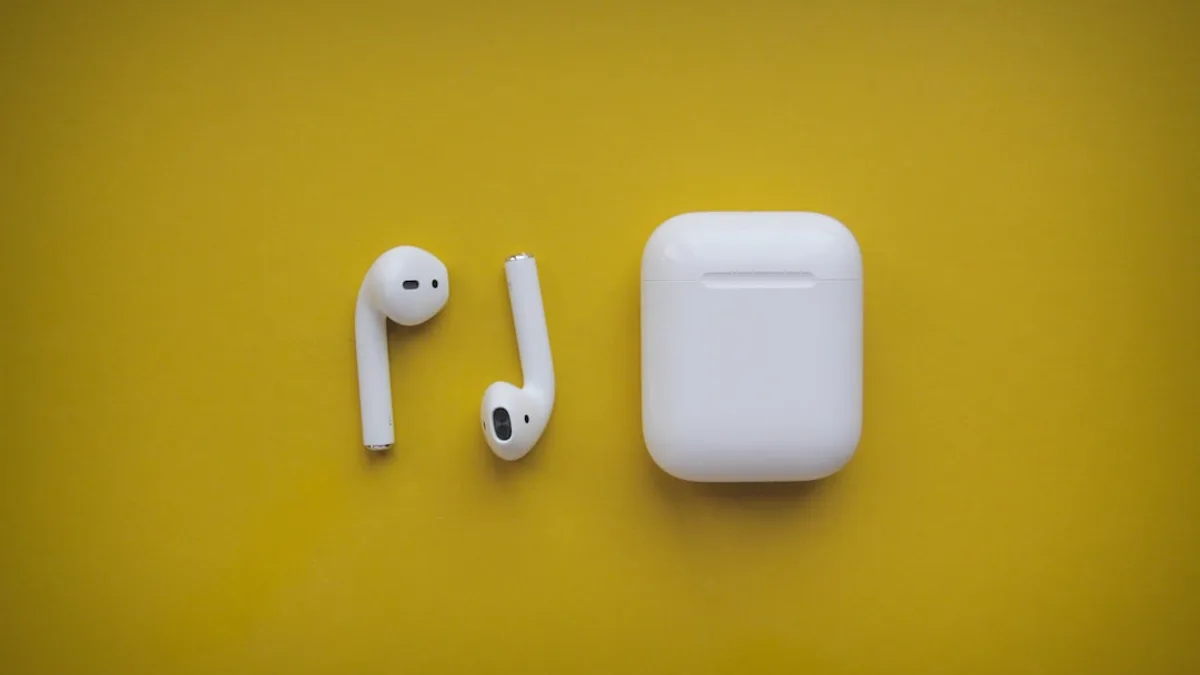
white apple airpods on yellow surface
TechnologyJune 9, 2026· 5 min read· By MLXIO Insights Team

iOS 27 Fixes the AirPods Settings Mess Users Hate Most

Share

MLXIO Intelligence

Analysis Snapshot

70
High
Confidence: MediumTrend: 10Freshness: 93Source Trust: 100Factual Grounding: 91Signal Cluster: 20

High MLXIO Impact based on trend velocity, freshness, source trust, and factual grounding.

Thesis

High Confidence

iOS 27 beta 1 reorganizes AirPods controls inside the iPhone Settings app, making the page shorter and easier to parse without introducing a dedicated AirPods app.

Evidence

  • Apple introduced iOS 27 at WWDC 2026, and the first developer beta is now available.
  • 9to5Mac reports the AirPods settings page has been overhauled inside the Settings app.
  • The redesign condenses a previously long settings page into grouped menus with icons.
  • AirPods controls still appear in Settings rather than in a standalone AirPods app.

Uncertainty

  • The source does not provide a full verified map of every redesigned AirPods menu or control.
  • Because this is beta 1, Apple may still adjust the layout before public release.
  • The source does not state how the redesign behaves across all AirPods models.

What To Watch

  • Changes to AirPods settings in later iOS 27 developer or public betas.
  • Whether Apple adds, renames, or moves specific AirPods controls before release.
  • Any indication that Apple plans a dedicated AirPods app in a future update.

Verified Claims

iOS 27 was introduced at WWDC 2026, and its first developer beta is available.
📎 Apple introduced iOS 27 at WWDC 2026 today, and the first developer beta has already exposed changes.High
iOS 27 beta 1 redesigns AirPods settings inside the iPhone Settings app rather than creating a standalone AirPods app.
📎 The redesign keeps AirPods controls inside the main Settings app rather than spinning them into a standalone app.High
The redesigned AirPods settings page is shorter and uses grouped menus with icons.
📎 Apple has condensed a long settings page into a shorter screen built around grouped menus and icons.High
AirPods settings still appear at the top of the iPhone Settings app only when the earbuds are actively connected.
📎 AirPods settings only appear at the top of the iPhone Settings app when the earbuds are actively connected.High
The AirPods settings redesign may change before the broader iOS 27 release because it is currently in the first developer beta.
📎 This is not the final public build. It is the first developer beta, so Apple can still adjust the design.High

Frequently Asked

What changed in AirPods settings in iOS 27?

In iOS 27 beta 1, Apple redesigned AirPods settings with a shorter main page, grouped menus, and icons to make controls easier to scan.

Does iOS 27 add a dedicated AirPods app?

No. The article says iOS 27 keeps AirPods controls inside the main Settings app rather than moving them to a standalone AirPods app.

Where are AirPods settings found in iOS 27?

AirPods settings remain in the iPhone Settings app and appear at the top when the AirPods are actively connected.

Is the redesigned AirPods settings page final?

No. The redesign is shown in iOS 27 beta 1, so Apple could still adjust the design, menus, names, or behavior before the broader release.

Why is the iOS 27 AirPods settings redesign useful?

The redesign reduces the old lengthy, loosely organized settings page into clearer grouped menus, making AirPods controls easier to navigate.

Updated on June 15, 2026

iOS 27 developer beta reveals redesigned AirPods settings after WWDC debut

Apple introduced iOS 27 at WWDC 2026 today, and the first developer beta has already exposed a major cleanup of one of the iPhone’s messier corners: AirPods settings.

The redesign, spotted in iOS 27 beta 1, keeps AirPods controls inside the main Settings app rather than spinning them into a standalone app, according to 9to5Mac . The difference is organization. Apple has condensed what 9to5Mac describes as a long, loosely arranged settings page into a shorter screen built around grouped menus and icons.

That matters because AirPods settings only appear at the top of the iPhone Settings app when the earbuds are actively connected. In other words, Apple is not changing where users find the controls. It is changing how much work it takes to make sense of them once they appear.

“There may not be a dedicated AirPods app (yet), but iOS 27 does make navigating the settings for your AirPods easier than ever.”

The timing is important. This is not the final public build. It is the first developer beta, so Apple can still adjust the design, move options, rename menus, or change how the page behaves before iOS 27 ships more broadly.

Apple’s own iOS 27 Preview says the update is “coming this fall,” with Siri AI arriving in English later this year, alongside other beta changes like iOS 27 CarPlay AI. That places the AirPods settings redesign inside a wider release focused on AI features, child safety controls, design refinements, and performance improvements — but this particular change is more practical than flashy.

For readers tracking Apple’s smaller iPhone changes, this fits the same pattern we covered in Tiny iPhone Fixes Reveal iOS 27's Siri Safety Net: not every meaningful iOS 27 update is keynote-sized. Some are about making heavily used controls less annoying, a theme also reflected in iPhone 18 Pro camera upgrades.


New AirPods settings layout cuts the old sprawl into clearer menus

The old AirPods settings screen had become crowded as Apple added more features over time. 9to5Mac says the page was “lengthy and hard to parse,” with toggles that felt only loosely organized.

In iOS 27 beta 1, Apple replaces that sprawl with a cleaner structure. The main page is “nowhere near as long as it used to be,” and each menu gets an accompanying icon so users can identify sections faster.

AirPods settings area iOS 26 approach, per source iOS 27 beta 1 approach, per source
Main screen length Lengthy and harder to scan Shorter, with more options moved into menus
Organization Loosely arranged toggles Grouped menus with clearer structure
Visual cues Less emphasis on section identity Icons attached to menus
Dedicated app No dedicated AirPods app Still no dedicated AirPods app

This is a usability upgrade, not just a coat of paint. A shorter top-level screen means Apple is prioritizing hierarchy: show fewer things first, then let users drill into the relevant menu.

The source material does not list every new menu or control shown in the redesigned AirPods page. That is the key limitation for now. We know the structure changed; we do not yet have a verified full map of every AirPods option in the new interface.

Analysis: The redesign suggests Apple has hit a familiar iOS problem. A feature starts simple, then grows over several software generations until the settings page becomes the product’s real control center. AirPods have reached that point, and iOS 27 appears to be Apple’s attempt to impose order without committing to a standalone AirPods app.

That restraint is telling. A dedicated app would make AirPods feel more like a full Apple platform. Keeping the controls inside Settings keeps them framed as an iPhone accessory, even as the settings themselves get more prominent and easier to navigate.

Apple made a similar choice elsewhere in iOS 27: some changes sit below the headline AI story but may matter more in daily use. Our coverage of Apple Buried Apple Music’s Biggest iOS 27 Upgrades looked at that same dynamic inside another frequently used Apple service.

AirPods users should watch the beta cycle, not assume this layout is final

Because this redesign appears in iOS 27 beta 1, it should be treated as a live interface, not a locked one. Developer betas often expose Apple’s direction before the details settle.

The safest read is narrow: AirPods settings remain in the iPhone Settings app, still appear when AirPods are actively connected, and are now organized into a shorter, icon-led menu structure. Anything beyond that — including how the page may vary by AirPods model — needs confirmation from later beta builds or Apple’s final release.

Apple has also announced broader OS improvements for iOS 27, including design refinements to Liquid Glass and faster experiences across iOS. That context helps explain why the AirPods page is being cleaned up now: Apple is presenting iOS 27 as both an AI release and a polish release.

The open question is whether Apple keeps refining AirPods management inside Settings or eventually breaks it out into its own app. 9to5Mac explicitly notes that there is still no dedicated AirPods app, while also calling the new arrangement a major improvement over iOS 26.

For now, the practical takeaway is simple. If you use AirPods heavily, iOS 27 should make the control page easier to scan and less tedious to navigate — assuming Apple keeps the beta 1 structure intact.

The next signal will come from later iOS 27 betas. Watch whether Apple adds more AirPods controls to the grouped menus, changes the icon layout, or keeps the redesign mostly stable on the road to the fall release.

Key Takeaways

  • AirPods controls should be easier to navigate without requiring a separate app.
  • The redesign addresses a frequently used but previously cluttered part of iPhone Settings.
  • Because this is only iOS 27 beta 1, Apple may still change the layout before the public release.

AirPods Settings in iOS 27

Before iOS 27iOS 27 Beta 1
Long, loosely arranged AirPods settings pageShorter screen with grouped menus and icons
Controls appeared in the main Settings app when AirPods were connectedControls still appear in the main Settings app when AirPods are connected
Navigation could feel cluttered and harder to parseNavigation is designed to be easier and more organized
MLXIO

Written by

MLXIO Insights Team

Algorithmic Research & Human Oversight

Powered by advanced algorithmic research and perfected by human oversight. The Insights Team delivers highly structured, cross-verified analysis on emerging tech trends and digital shifts, filtering out the fluff to give you high-fidelity value.

Related Articles

black iphone 5 on yellow textile
TechnologyJul 29, 2026

75+ Security Fixes Reveal iOS 26.6’s Hidden AI Bet

iOS 26.6 patches 75+ security flaws and quietly primes Spotlight for Apple’s coming Siri AI push.

7 min read

black and red digital device
TechnologyJul 30, 2026

5 iOS 27 Upgrades Turn Apple Notes Into Your Daily Hub

iOS 27 turns Apple Notes into a stronger daily productivity hub with Siri capture, Markdown fixes, section links and cleaner structure.

14 min read

black and white headphones on white table
TechnologyAug 3, 2026

Camera AirPods May Beat 2027 Delay With September Launch

Apple’s camera AirPods rumor is back: B790 may beat the delayed B798 and turn earbuds into AI sensors.

8 min read

person holding space gray iPhone 7
TechnologyJul 28, 2026

75+ Security Fixes Make iOS 26.6 a Sneaky Must-Install

iOS 26.6 skips flashy features, but 75+ security fixes and iOS 27 Spotlight prep make it worth installing.

5 min read

white and black round speaker
TechnologyAug 2, 2026

5 Stalled Apple Products May Finally Land This Fall

Apple’s fall lineup could finally clear a years-long backlog of delayed hardware tied to Siri AI and new device categories.

7 min read

people in a city with high rise buildings and trees during daytime
FinanceAug 2, 2026

$340 Apple Stock Cut Reveals JP Morgan's Memory Crunch

JP Morgan trimmed Apple’s target to $340 as memory shortages threaten Q4 supply despite strong iPhone 17 and Siri AI demand.

11 min read

apple logo on blue surface
CybersecurityJul 7, 2026

iOS 26.5.1 Downgrades Are Dead After Apple's Fix

Apple closed normal downgrades to iOS 26.5 and 26.5.1, pushing iPhone users onto iOS 26.5.2 after its security fix.

7 min read

red and white pepsi logo
CybersecurityJul 29, 2026

Claude Cracks Safari Flaw as iOS 26.6 Fixes 87 Bugs

Apple’s iOS 26.6 fixes 87 flaws, including a Safari/WebKit bug Anthropic researchers found with Claude.

6 min read

two black fish finders on a fishing boat
TechnologyAug 5, 2026

Apple CarPlay Grabs the Helm on 2027 Pontoon Boats

Apple CarPlay and Android Auto are coming standard to select 2027 Crest and Balise pontoons with Savvy Navvy navigation.

7 min read

a person holding a smart phone in their hand
TechnologyAug 4, 2026

18-Hour Motorola Razr Fold Leaves Samsung Chasing Hard

Motorola’s Razr Fold hit 18h22m browsing, beating Samsung’s Galaxy Z Fold7 by about four hours.

7 min read

Stay ahead of the curve

Get a weekly digest of the most important tech, AI, and finance news — curated by AI, reviewed by humans.

No spam. Unsubscribe anytime.