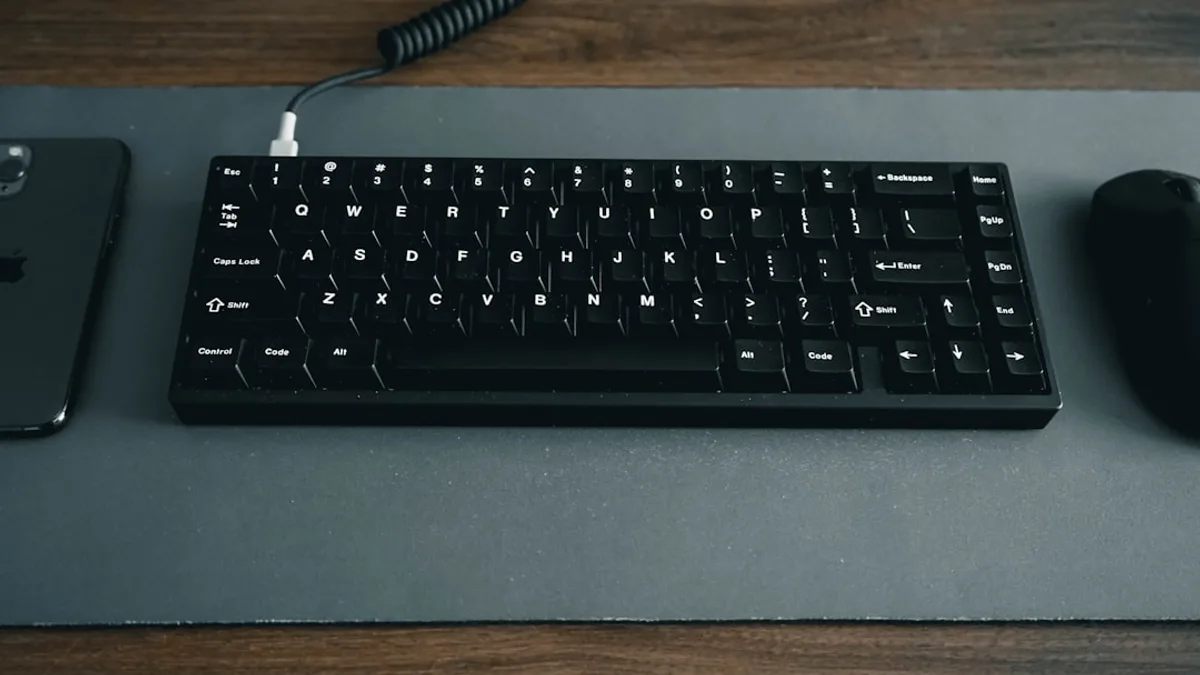
Plugging a Magic Keyboard, Magic Trackpad, or Magic Mouse into an iPad or iPhone over USB-C now does more than create a temporary wired connection: with iOS and iPadOS 26.5, it also initiates Bluetooth pairing.
That small change, reported by Ryan Christoffel at 9to5Mac , is easy to miss. But it points to a larger iPad story. Apple keeps making the iPad more comfortable at a desk without turning it into a Mac.
iPadOS 26.5 quietly makes the iPad feel less like a tablet and more like Apple’s modular computer
The revealing part of iPadOS 26.5 is not a new visual system or a splashy AI feature. It is an input-device behavior that removes a small but recurring annoyance.
Before this update, an iPad or iPhone could connect immediately to Apple’s first-party Mac accessories over USB-C. But after the cable was unplugged, the connection did not persist. The accessory was not retained as an ongoing Bluetooth device.
Now, according to 9to5Mac, that wired connection also sets up Bluetooth pairing. Unplug the cable, and the accessory can remain paired wirelessly.
That matters because the iPad’s productivity argument has always depended on friction. A tablet can have powerful chips, better multitasking, and a polished app catalog, but if the keyboard, pointer, and workspace feel fussy, people stop treating it like a desk machine.
This is where the update fits. Apple is not collapsing iPadOS into macOS. It is narrowing one workflow gap: the moment when a Mac accessory becomes usable on an iPad or iPhone without extra Bluetooth management.
For adjacent Apple software coverage, MLXIO has also tracked how point releases can carry practical user-facing changes, including Your RCS Chats May Not Be Encrypted—iOS 26.5 Knows and the broader OS pressure points discussed in WWDC 2026 Puts Apple’s Most Annoying OS Gaps on Trial.
The Magic Keyboard, Magic Trackpad, and Magic Mouse upgrade changes the friction point, not the spec sheet
The update affects Apple’s “Magic” accessories: Magic Keyboard, Magic Trackpad, and Magic Mouse. The flow is simple. Connect the accessory to an iPhone or iPad with USB-C. The device recognizes it. With iOS and iPadOS 26.5, Bluetooth pairing is established too.
Aaron Perris spotted the behavior during the iOS 26.5 beta cycle, posting on March 30, 2026:
“New in iOS 26.5 b1: Magic accessory bluetooth pairing via USB. When you plug in a Magic accessory to your iPhone or iPad, it will automatically connect to your device via Bluetooth when unplugged. Just like how it works on Mac”
That final line is the point. This now mirrors the Mac behavior 9to5Mac describes: a wired USB-C connection automatically creates a Bluetooth relationship that survives after unplugging.
This does not change the iPad’s raw capability. It changes the setup cost. Users no longer have to treat a Magic accessory as a one-off wired tool or separately manage the Bluetooth pairing step after connecting by cable.
For iPhone users, 9to5Mac’s Christoffel says the audience may be small. Not many people regularly plug a Magic Keyboard or Magic Trackpad into an iPhone. On iPad, the case is stronger. The iPad already sits closer to a portable work machine, and persistent accessory pairing makes that mode easier to enter.
The hard data here is version-level, not market-level
The supplied source material does not include iPad revenue, tablet market share, accessory sales, or Magic Keyboard attach rates. So the data-driven story here is narrower: iOS and iPadOS 26.5 launched earlier this month, and the accessory behavior was identified during iOS 26.5 beta 1 on March 30, 2026.
That limitation matters. It would be easy to overstate this as a commercial signal about accessory sales or iPad replacement cycles. The source does not support that.
What the sources do support is a software direction. Apple’s iPadOS 26 material highlights a new windowing system, folders in the Dock, Preview on iPad, Background Tasks, and other changes that push the iPad closer to desk-style work. The Magic accessory change sits underneath those larger features as plumbing.
The visible features say: do more on iPad.
The USB-C pairing change says: get into that mode with less hassle.
That is the more defensible read.
From touch-first tablet to cursor-friendly workstation, one small behavior at a time
Apple’s current iPad positioning is not only about touch. In the iPadOS 26 feature set Apple describes more powerful windowing, window tiling, Exposé, a menu bar, Dock folders, and a stronger Files app.
Those are not phone-like features. They are work-surface features.
The Magic accessory update belongs in that same cluster. It makes external input feel less bolted on. A user who already has a Magic Trackpad or Magic Keyboard can plug it in, establish pairing, and continue wirelessly after disconnecting.
Here is the practical split:
| Setup choice | Best fit | Trade-off |
|---|---|---|
| Magic Keyboard / Trackpad / Mouse over USB-C pairing | Desk setups, shared accessories, users moving between Apple devices | May create confusion if the accessory was expected to stay tied to another device |
| iPad-specific keyboard case | Portable typing, travel, lap use, protection | Less flexible as a shared desk accessory |
The unresolved tension is control. 9to5Mac raises the possibility that iPadOS 26.5 could confuse users if, for example, a Magic Keyboard they prefer paired with a Mac becomes attached to an iPad after a USB-C connection.
That is the downside of automation. The system removes setup friction, but it may also make ownership of the accessory feel less explicit.
Power users and casual owners will read the same change differently
For power users, this is a quality-of-life fix. It makes the iPad more credible as a second workstation or desk companion because the input layer requires fewer steps.
For casual iPad owners, the benefit may appear only when they try something opportunistic: grabbing a Mac keyboard or trackpad, plugging it into an iPad, and realizing it keeps working after the cable comes out. No spec-sheet research required.
Apple’s likely benefit is also narrow but meaningful: the same first-party accessories now behave more consistently across Mac, iPad, and iPhone. That consistency reduces the mental tax of switching devices. It does not prove a grand iPad strategy by itself, but it aligns with Apple’s broader iPadOS 26 push toward windowing, files, and background work.
The skeptic’s case still stands. Better pairing does not answer every iPadOS complaint. It does not resolve the Mac/iPad boundary. It does not, by itself, make every professional workflow fit the iPad.
But it does fix one of the small seams that makes a device feel less serious than its hardware suggests.
For iPad buyers, the accessory decision just became more strategic
If you are weighing an iPad as a laptop alternative, this update makes accessory planning more important. The question is not only which iPad to buy. It is whether your preferred input setup will be a fixed case, a desk arrangement, or shared Mac accessories.
MLXIO analysis: users who already own Magic accessories have the clearest reason to care. iPadOS 26.5 makes reuse less clumsy. Buyers starting from scratch should be more cautious. A standalone keyboard and trackpad offer flexibility at a desk, while an iPad keyboard case may still make more sense for travel and integrated protection.
The best-supported practical advice is simple: if you already own a USB-C Magic accessory, test the new behavior before buying more gear. See whether the automatic pairing helps your workflow or creates device-switching confusion.
That evidence will matter more than Apple’s marketing language.
Apple’s next iPad productivity push may come from invisible setup work
The next signal to watch is not whether Apple announces one dramatic Mac-iPad merger. The more likely evidence, based on this update and the iPadOS 26 feature list, will be smaller workflow fixes: cleaner external input behavior, better window control, stronger file handling, and fewer moments where the iPad reminds users it is not a Mac.
The Magic accessory change in iPadOS 26.5 is small. But it is small in the way that matters: it removes a step users should not have to think about.
The thesis to test from here is whether Apple keeps sanding down these seams. If future iPadOS releases make accessory switching clearer, windowing more predictable, and desktop setups less fragile, iPad productivity will improve without Apple needing to erase the Mac-iPad line. If those changes stall, iPadOS 26.5 will remain a convenient pairing tweak rather than a sign of deeper progress.
Key Takeaways
- The update removes a small but recurring setup hassle for iPad and iPhone users with Apple accessories.
- It makes the iPad feel more practical as a desk-based productivity device without turning it into a Mac.
- Apple continues to improve iPad workflows through subtle usability changes rather than major interface overhauls.